
Microsoft Surface Laptop Ultra Review: NVIDIA RTX Spark, 128GB Memory and a MacBook Pro Challenge
· Show Me My IP
Microsoft’s most powerful Surface laptop pairs NVIDIA Blackwell graphics, up to 128GB of unified memory and a 2,000-nit mini-LED touchscreen. We examine its specifications, $2,599.99 starting price, October 16 release date and promise for local AI, coding and creative work.
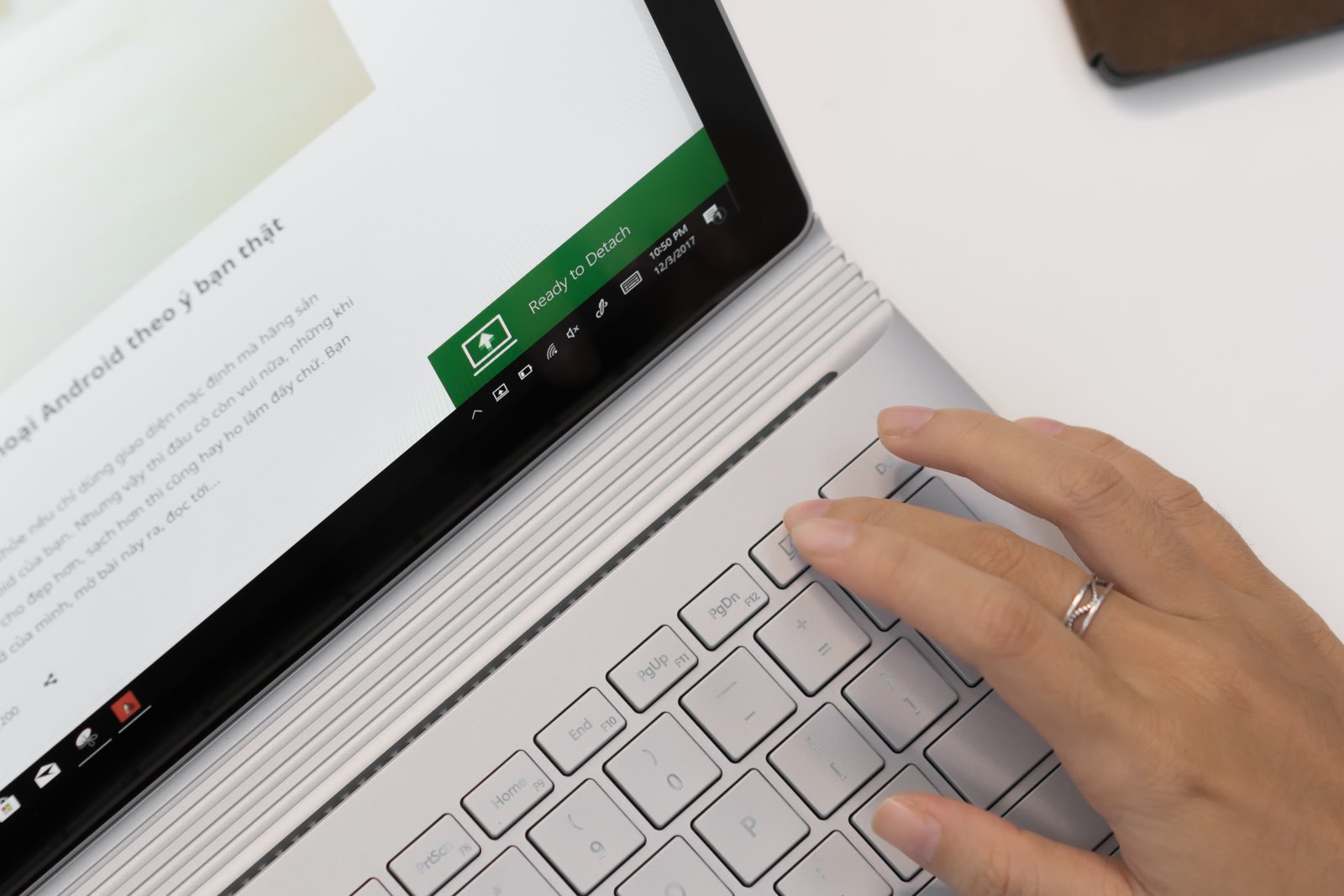
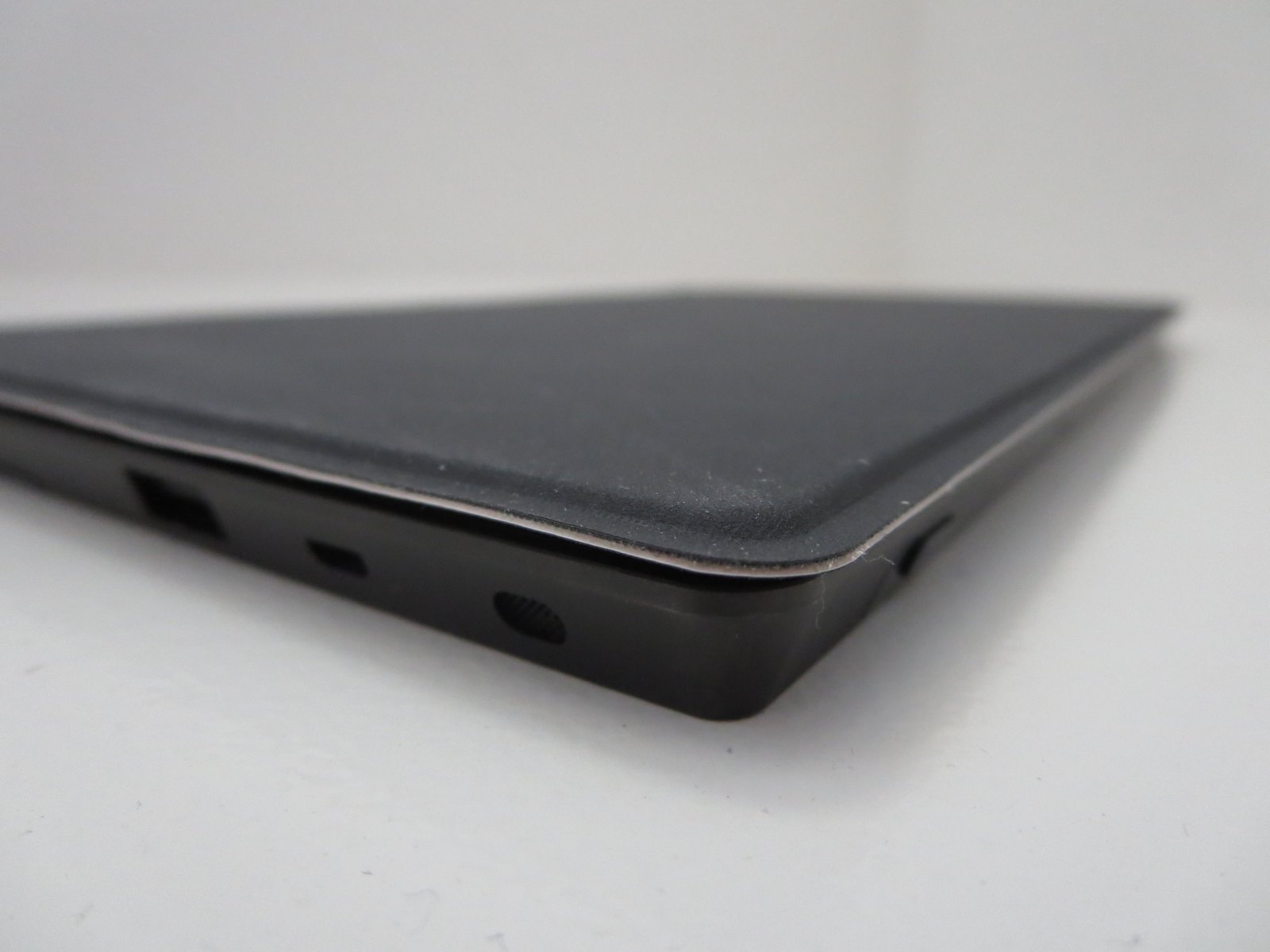
Pre-release, specifications-based review: we have not tested a retail Surface Laptop Ultra. Performance, display and battery figures are manufacturer claims, not our benchmark results. The six authentic photographs show related Surface hardware, not the Ultra.
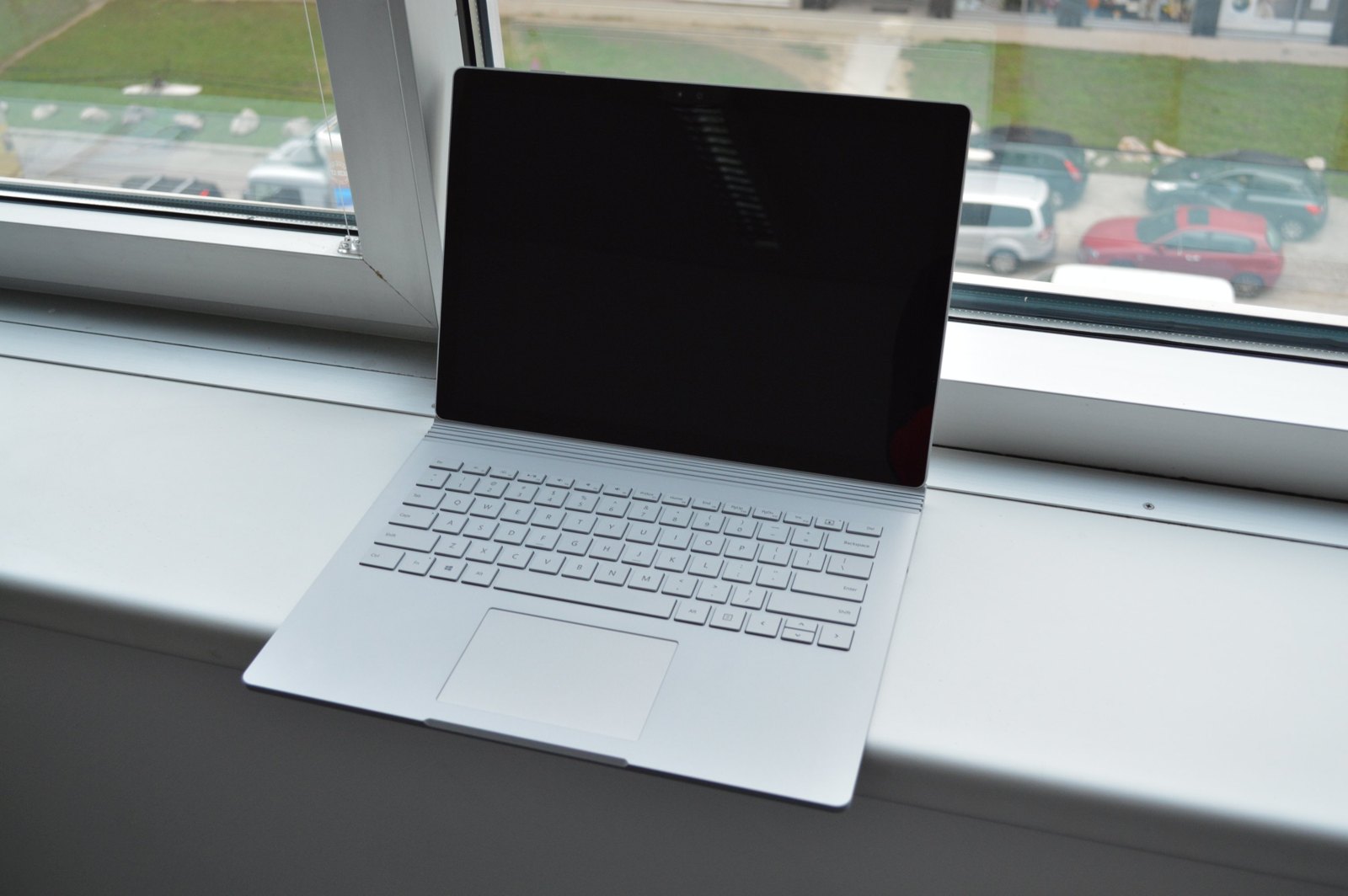
Surface Laptop Ultra: a different kind of professional Windows laptop
The Surface Laptop Ultra marks a major change in Microsoft’s premium notebook lineup. Rather than another detachable screen or elaborate hinge, it is a conventional 15-inch clamshell built around an unconventional platform: NVIDIA RTX Spark N1X. Microsoft describes it as its most powerful Surface laptop ever, aimed at local AI, 3D graphics and demanding professional work.
The appeal is easy to understand. A Grace CPU, Blackwell RTX graphics and a large shared memory pool could make CUDA-dependent development and creative workloads practical without a separate desktop. Preorders opened October 7, with shipping scheduled to begin October 16, 2026. The US starting price is $2,599.99.
That is an ambitious MacBook Pro alternative, but specifications alone cannot settle the comparison. Sustained speed, software compatibility, fan noise and battery life need independent testing before “most powerful Surface” becomes a buying verdict.
Microsoft Surface Laptop Ultra specifications at a glance
- Processor
- NVIDIA RTX Spark N1X, 18- or 20-core NVIDIA Grace CPU
- Graphics
- Blackwell RTX GPU, 5,120 or 6,144 CUDA cores
- Memory
- 24GB to 128GB unified system memory, shared by CPU and GPU
- Storage
- 512GB starting capacity; removable M.2 SSD; configurations up to 2TB
- Display
- 15-inch mini-LED PixelSense Ultra touchscreen; 3:2; 262 ppi; 120Hz; up to 2,000 nits peak HDR
- AI compute
- Up to 1 petaflop at FP4 with sparsity; not a general-purpose performance score
- Battery claim
- Up to 15 hours local video playback; heavy GPU workloads will differ
- Size
- Under 4.5 lb (about 2kg), under 18mm thick
- Ports
- Three USB-C including Magnetic Connect, USB-A, HDMI 2.1, full-size SD, headphone jack
- US price
- $2,599.99 starting price; up to $5,899.99 in the supplied configuration list
- Finishes
- Platinum and Nightfall
- Availability
- Preorders opened October 7; shipping scheduled for October 16, 2026
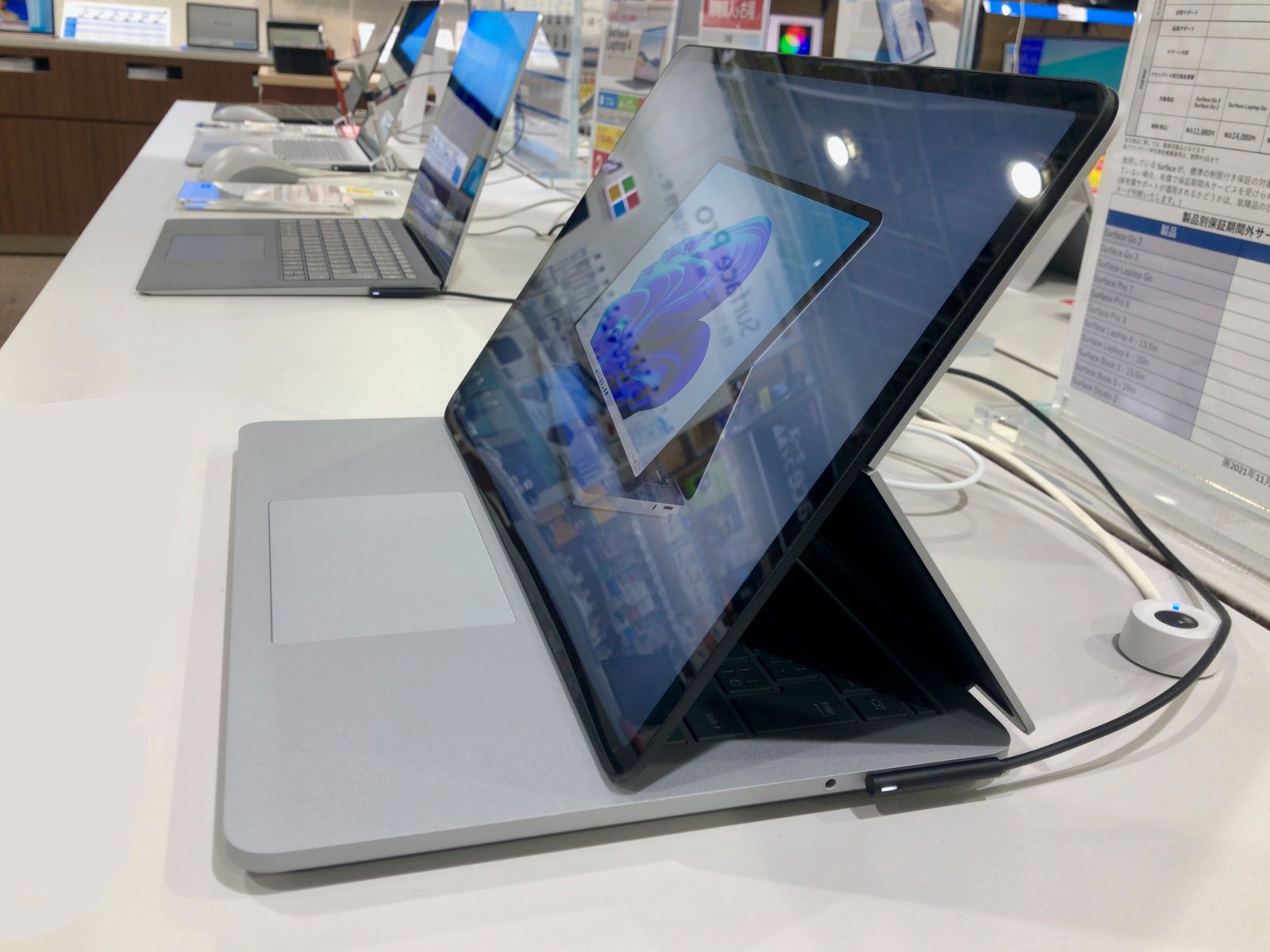
Design and mini-LED display: a serious creator laptop
Microsoft has moved away from the Surface Book and Laptop Studio’s unusual screen mechanisms. The Ultra’s Platinum and Nightfall finishes wrap a more straightforward design, advertised at under 18mm thick and under 4.5 pounds. At roughly 2kg, it is portable workstation territory rather than an ultraportable everyday upgrade.
The 15-inch PixelSense Ultra display is a major selling point: mini-LED backlighting, a 3:2 aspect ratio, 262 pixels per inch and a 120Hz refresh rate. Microsoft advertises 100% DCI-P3 coverage, Dolby Vision IQ and up to 2,000 nits peak HDR brightness.
That brightness number needs context. Microsoft measures the peak over a 10% HDR window; sustained and SDR brightness are lower. It is not a claim that the entire screen stays at 2,000 nits during normal work. Color accuracy, blooming and sustained brightness still need review measurements.
The touchscreen supports touch, but not Surface Pen or Surface Slim Pen input. Illustrators should not assume it replaces a pen-enabled Surface Studio workflow. The larger haptic touchpad may be more relevant to editing timelines and navigating complex applications.
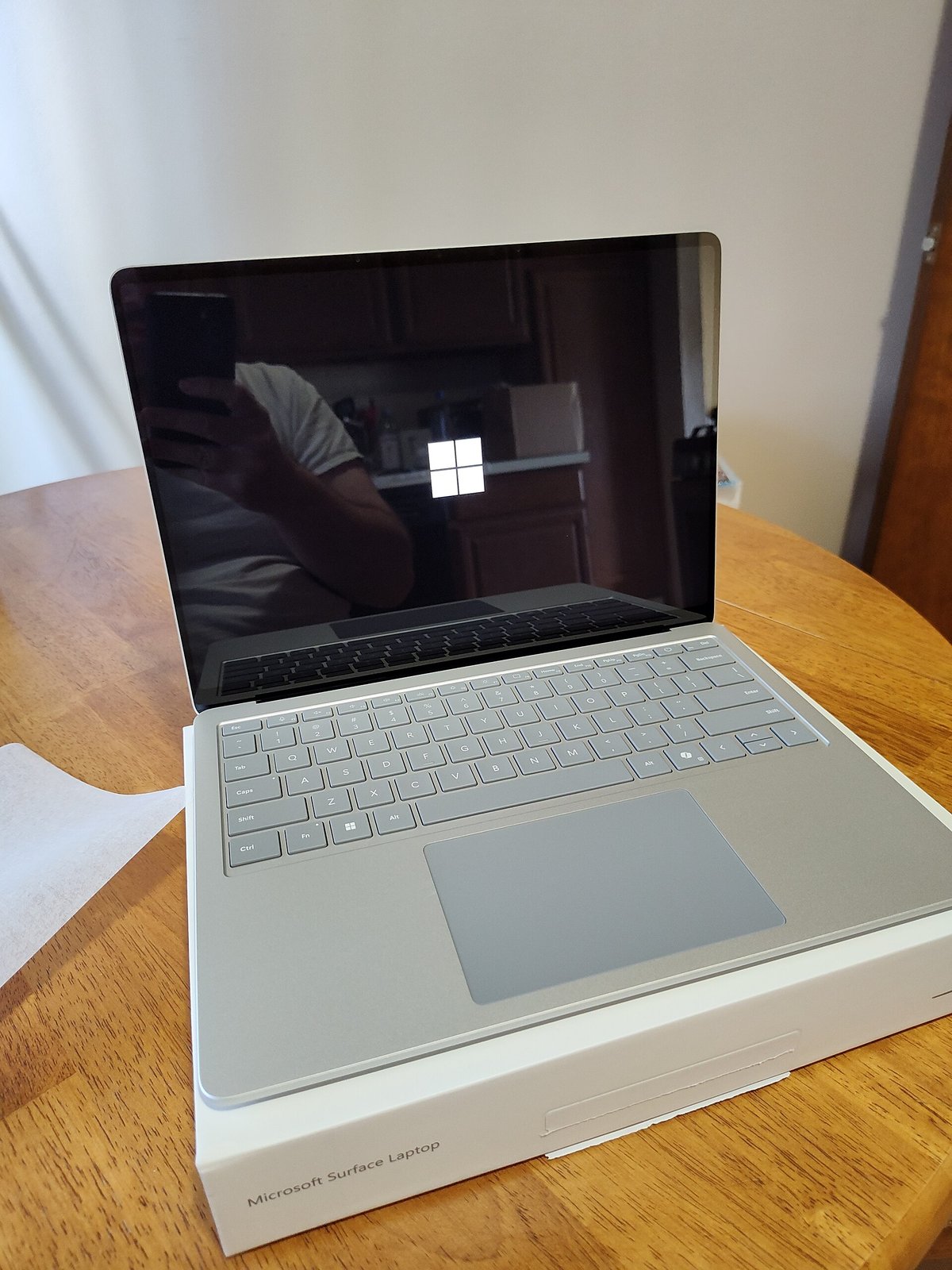
NVIDIA RTX Spark performance: why CUDA and unified memory matter
The RTX Spark N1X combines an 18- or 20-core NVIDIA Grace CPU with Blackwell graphics. The configurations described in the supplied launch details offer 5,120 or 6,144 CUDA cores and up to 128GB of unified system memory. CPU and GPU share that memory rather than relying on a small, separate pool of graphics memory.
For AI developers, the potential advantage is capacity. Larger local models can demand more memory than conventional laptop GPUs provide. Microsoft promotes workloads using models up to 120 billion parameters, although model format, quantization, context length and the memory reserved for Windows and other applications all affect what actually fits.
The GPU cannot necessarily address the entire advertised system-memory total. Microsoft explicitly notes that GPU-addressable memory is less than the total and depends on configuration and workload. Likewise, the advertised petaflop is a theoretical FP4 figure using sparsity—not a CPU benchmark, a guaranteed token rate or a promise about every AI task.
CUDA support is a meaningful distinction from Apple’s laptops for software built around NVIDIA’s ecosystem. But it does not establish that every training job, renderer or professional application will run flawlessly on Windows on ARM. Buyers need to check the exact frameworks, plugins and drivers they use.
Microsoft advertises up to 2.5 times the thermal capacity of Surface Laptop 15-inch (8th Edition). That is a cooling-system comparison, not a guarantee of 2.5 times the speed. Long renders and sustained model workloads are the tests that will reveal the real benefit.
Surface Laptop Ultra vs. MacBook Pro: match the software, not the slogan
The strongest case for the Ultra is a workload that specifically needs CUDA and a large local memory pool. Developers prototyping AI models, 3D artists and engineers using NVIDIA-accelerated software have different priorities from photographers mainly using native macOS tools.
MacBook Pro comparisons should use matching applications, model settings and realistic project files. Claimed desktop-class graphics performance and brighter peak HDR do not by themselves settle rendering speed, image quality, battery endurance or total value.
Gaming support includes ray tracing, DLSS and NVIDIA Reflex, but supported games and drivers matter. Without independent tests, it would be premature to promise a particular frame rate or call the Ultra a substitute for every dedicated gaming laptop.
Ports and Magnetic Connect: fewer adapters, a safer charging cable
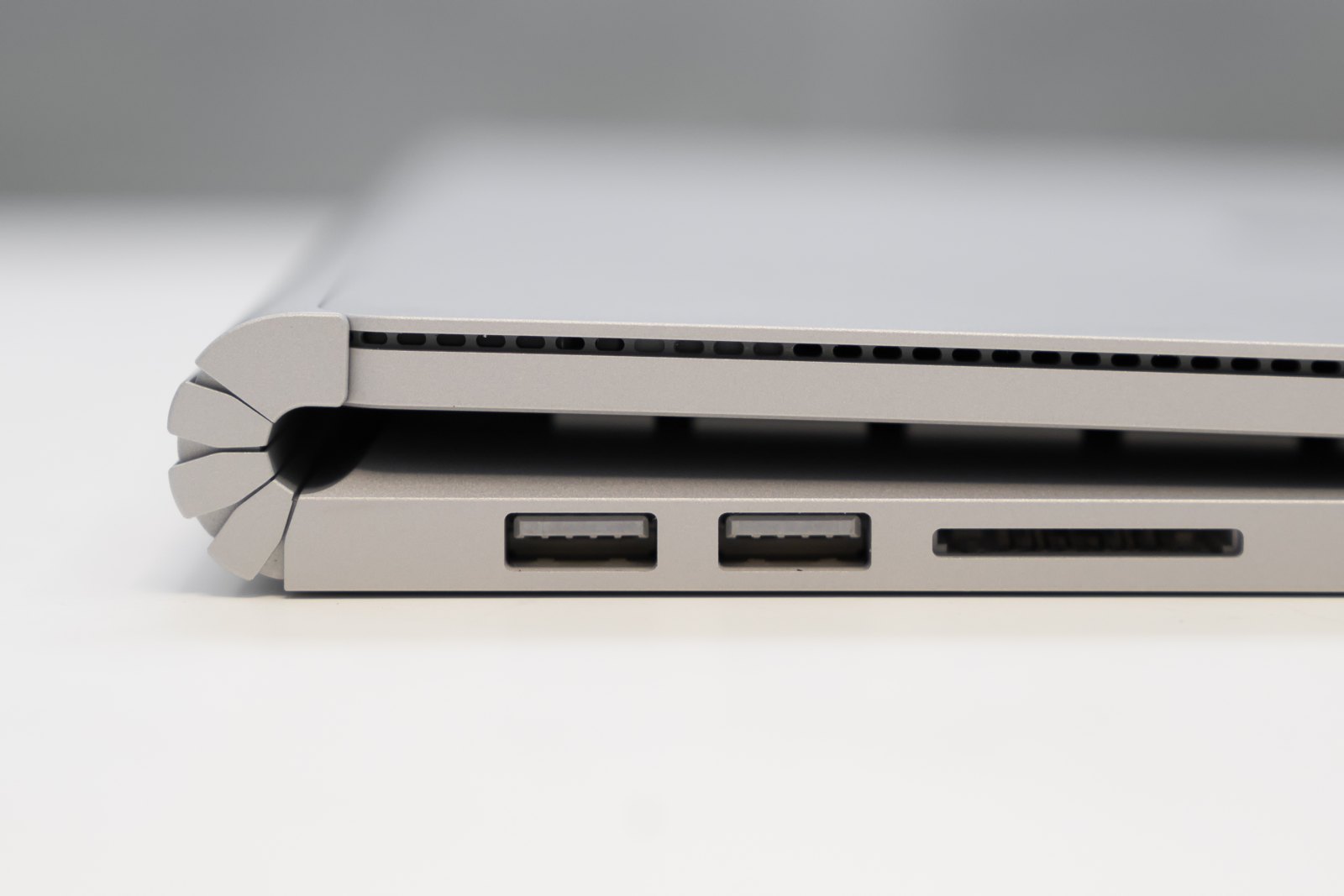
The advertised connections include three USB-C ports, USB-A, HDMI 2.1, a full-size SD card reader and a headphone jack. That is a practical selection for creators moving media from cameras, attaching an external display or using existing USB accessories.
One USB-C connection incorporates Magnetic Connect, which Microsoft calls the world’s first built-in magnetic USB-C charging port. The idea combines a breakaway charging cable with USB-C versatility. It is designed to release if the cable gets pulled, while preserving a standard connection for compatible cables.
Photographers will appreciate the SD reader, but high-speed transfers, external-display limits and dock compatibility should be checked against Microsoft’s technical specifications for the exact configuration. The older Surface Book ports in the photograph above are contextual, not a picture of this new connector.
Storage and repairability: removable SSD, with important caveats
The supplied configuration list starts at 512GB, while Microsoft advertises SSD options up to 2TB and upgradeable storage. A removable M.2 SSD is a welcome feature for owners managing large datasets, video libraries or long-term repairs.
Still, 512GB is modest for a workstation-priced laptop. Models, media and applications can use that space quickly. In the draft’s configuration list, moving from 512GB to 1TB at the 24GB memory tier adds $400, so storage choices deserve careful comparison.
Removable does not mean every owner should immediately replace the drive. Follow Microsoft’s service guide, confirm drive compatibility and check regional warranty terms. Microsoft warns that damage caused during repair may not be covered unless local law requires it.
Battery life and Windows on ARM: the questions a full review must answer
Microsoft claims up to 15 hours of local video playback. That is a controlled light-workload figure, not an estimate for CUDA jobs, gaming or sustained HDR editing. Heavy GPU use will place very different demands on the battery and cooling system.
Windows on ARM is the other essential buying check. Native ARM64 support, emulation, specialist drivers and professional plugins can all change the experience. Check your critical applications and peripherals individually rather than assuming ordinary Windows compatibility guarantees everything.
Local AI can reduce the need to send sensitive inputs to a remote model, but privacy is not automatic. Applications may still sync files or call cloud services. Review software settings, model provenance and device security alongside the hardware specification.
Surface Laptop Ultra price, configurations and October 16 release
The US starting price is $2,599.99. The supplied configuration list includes a 24GB/512GB model at that price, 24GB/1TB at $2,999.99, a 32GB/1TB Windows Pro option at $3,299.99 and a higher-core 32GB/1TB Pro model at $3,699.99. A top 128GB configuration is listed at $5,899.99. Confirm the current total and availability with Microsoft before ordering.
Memory upgrades can change the value calculation more dramatically than storage. Choose the amount your models and applications actually need; 128GB is a specialist capability, not an automatic requirement for every creative professional.
Microsoft’s advertised MacBook trade-in promotion runs from October 7 through November 23, 2026, with up to $1,000 available subject to qualifying devices, purchases and condition checks. The offer is limited to the online Microsoft Store in the US and Canada, and the maximum is not guaranteed for every trade-in.
Early verdict: promising for AI professionals, not yet a tested recommendation
On specifications, the Surface Laptop Ultra is an unusually compelling Windows laptop for CUDA development, large local models and demanding creative work. Unified memory, Blackwell graphics, a bright mini-LED panel, removable storage and a broad port selection give it a clear professional identity.
The cautions are equally important: a premium price, roughly 2kg weight, modest base storage, no pen support and unresolved real-world performance questions. Students, casual users and buyers who do not need CUDA should compare less expensive machines before paying for workstation capabilities.
Our current conclusion is a promising pre-release assessment, not a hands-on endorsement. Independent benchmarks, battery tests and software-compatibility checks are needed to determine whether the Surface Laptop Ultra delivers on its MacBook Pro challenge.
Sources and review disclosure
- Microsoft Surface Laptop Ultra: product features, price and technical footnotes.
- Microsoft’s October 7 Surface preorder announcement.
- NVIDIA RTX Spark platform information.
- Based on reporting and manufacturer information available on October 12, 2026. No retail review unit or independent benchmark results were used. Photographs are authentic related hardware images; captions identify each device.