
Is Your ISP Throttling You? How to Tell and What to Do About It
September 28, 2026
You’re paying for a fast internet plan, but your streaming stalls, video calls freeze, and downloads crawl. Before you blame your router or laptop, consider another possibility: your internet service provider may be slowing your connection on purpose.

What Is Throttling?
Throttling is when an ISP intentionally reduces your connection speed. It usually takes one of a few forms:
- Data cap throttling: Once you pass a monthly data limit, your speed drops sharply for the rest of the billing cycle. This is especially common with mobile plans and some home internet plans.
- Congestion management: During busy periods, providers may slow certain users or certain kinds of traffic to keep the network running.
- Application-specific throttling: The ISP slows particular services, such as video streaming, file-sharing, or gaming, while leaving ordinary browsing untouched.
- Plan-based limits: Some “unlimited” plans quietly cap video quality or deprioritize your traffic compared with customers on pricier plans.
Not all throttling is hidden or illegal. Many providers disclose these practices in their terms of service, though usually in fine print few people read.

Why Throttling Is Hard to Detect
Slow internet has many possible causes. Weak Wi-Fi signals, an aging router, too many devices on one network, a struggling website, or an outage in your area can all look like throttling. The key is to separate general slowness from slowdowns that are selective or suspiciously patterned.
Signs You Might Be Throttled
- Only certain services are slow. If web pages load quickly but streaming or game servers buffer constantly, that points toward application-specific throttling.
- Speed collapses at the same point every month. A sudden drop after heavy use, lasting until your billing cycle resets, strongly suggests a data cap.
- Slowdowns happen at predictable times. Consistent evening slumps can reflect congestion management, though they can also mean your neighborhood network is overloaded.
- A VPN makes things faster. This is one of the clearest clues, because encrypted traffic is harder for an ISP to classify by service.
How to Test for Throttling
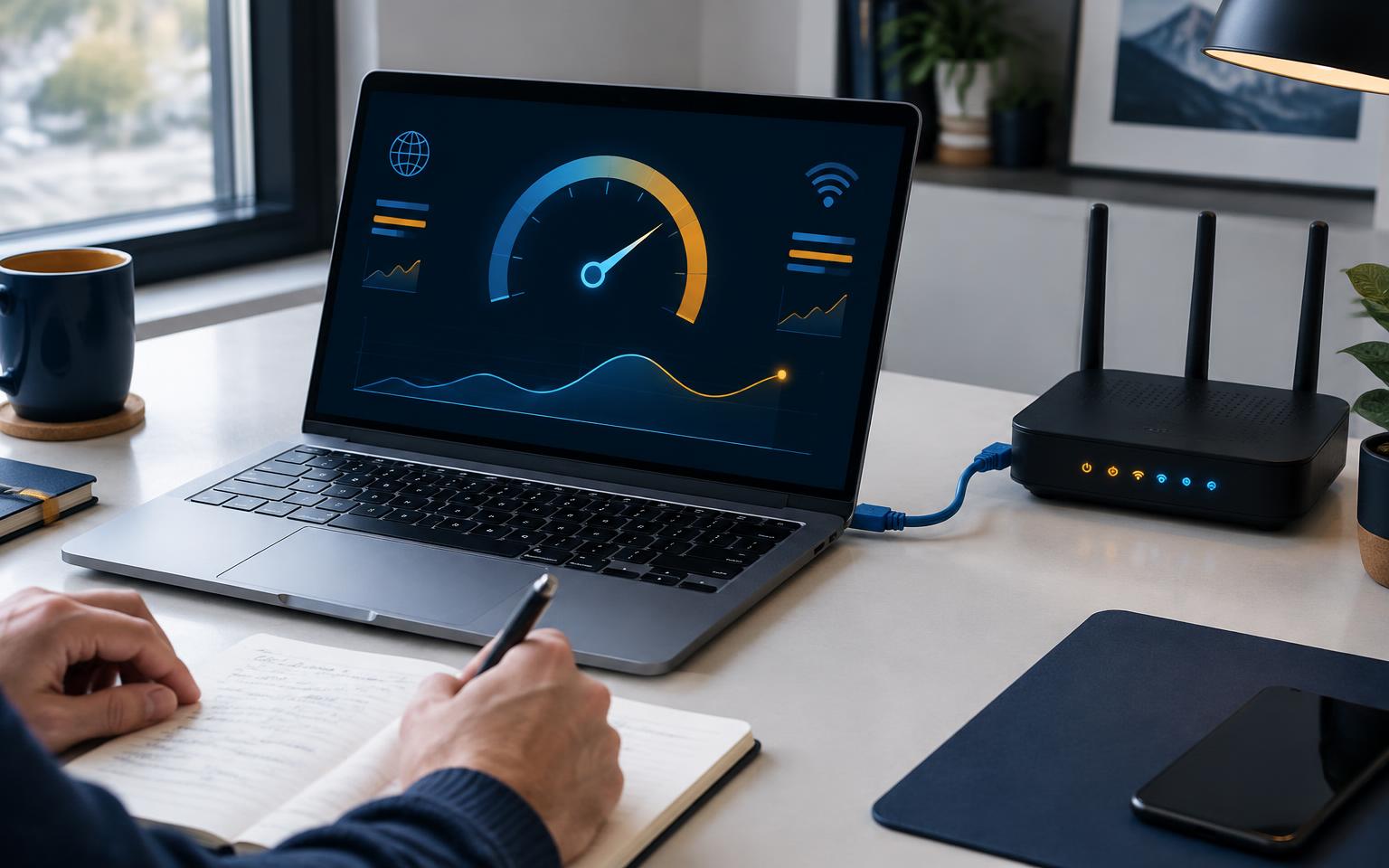
Start with a baseline speed test. Use a well-known tool such as Ookla’s Speedtest or Fast.com. Test while connected by Ethernet cable if possible, since that removes Wi-Fi from the equation. Run tests at different times of day and write down the results. If speeds are far below what your plan promises all the time, the problem may be your plan, equipment, or network quality rather than targeted throttling.
Compare with and without a VPN. A VPN encrypts your traffic, so your ISP cannot easily see which service you are using. If a streaming site buffers normally but runs smoothly through a VPN, that suggests the ISP may have been slowing that type of traffic. VPNs usually add overhead, so a noticeable speed-up is a meaningful signal.
Use a dedicated detector. The free Wehe app, developed by Northeastern University researchers, replays traffic resembling popular apps and compares it with disguised versions to flag possible differences in treatment.
Check your usage. Look in your provider account or app to see whether the slowdown began after crossing a monthly threshold.
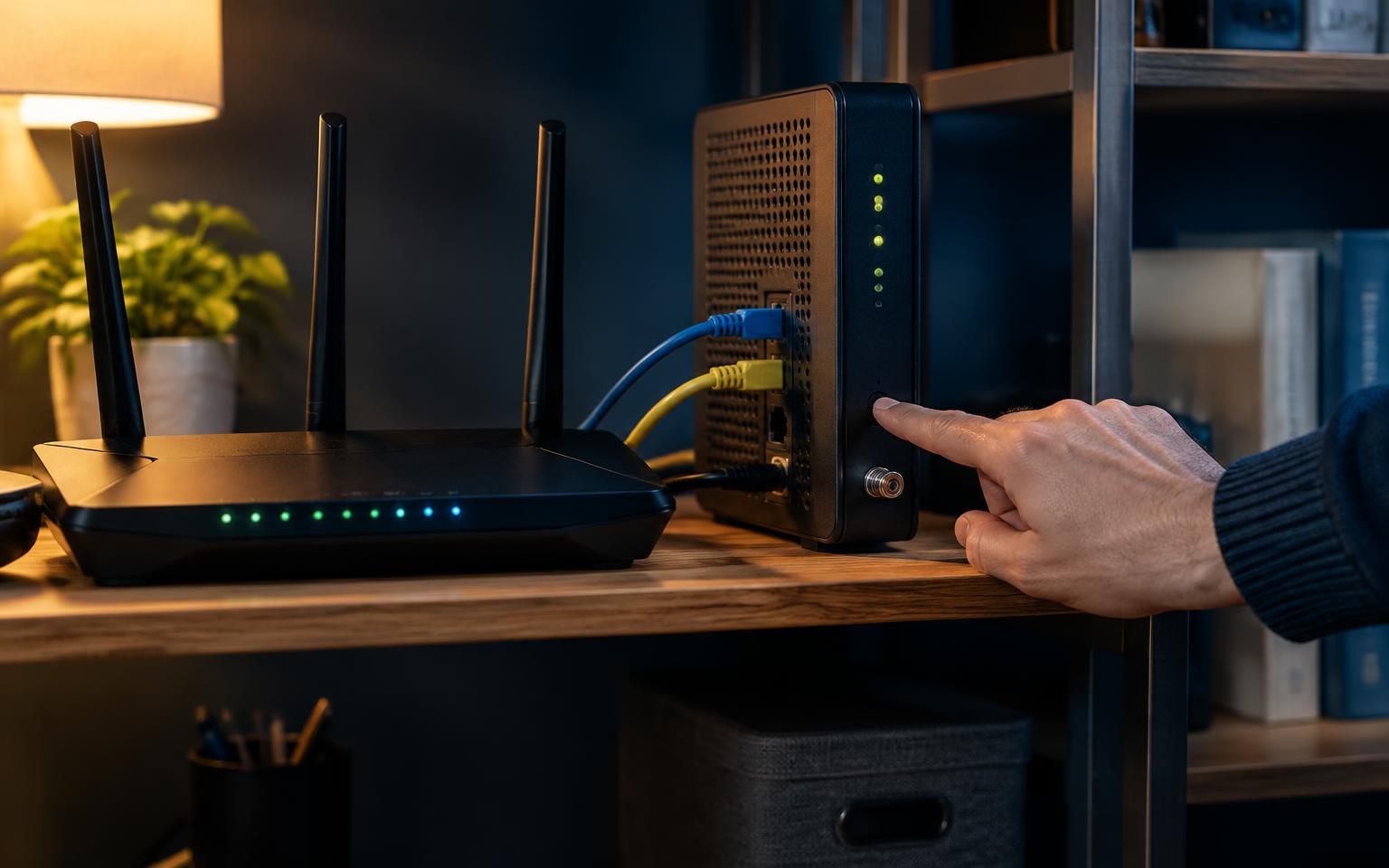
Rule out your equipment. Restart your modem and router, update the router firmware, and test with another device. If the slowdown disappears, the problem was on your end.

What to Do If You’re Being Throttled
- Read your plan’s terms. Look for phrases such as “network management,” “deprioritization,” “video optimized,” or “premium data.” Knowing exactly what the plan allows gives you firmer footing.
- Contact your ISP. Share specific dates, times, speeds, and affected services. The cause may be a fixable technical problem; otherwise, a firm conversation may lead to a better plan or bill credit.
- Upgrade or change plans. If a data cap is the culprit, a higher cap or truly unlimited plan may solve the problem.
- Use a VPN. A reputable paid VPN can prevent application-specific throttling, but it cannot bypass a data cap or general network congestion.
- Shop around. Check availability for cable, fiber, fixed wireless, and 5G home internet. Fiber, where offered, tends to provide the most consistent speeds.
- File a complaint. In the United States, consumers can submit a complaint at fcc.gov/complaints. Several states, including California, also have laws restricting throttling.
The Bottom Line
Throttling is often legal and disclosed, but that does not mean you have to accept it. With a few simple tests, you can determine whether slowdowns come from your provider or your own setup. Once you know the cause, you can push back, switch plans, or take your business elsewhere. Your internet connection is something you pay for, and it is reasonable to expect it to perform as promised.