
iOS 27.2 Released: Siri AI Gets Memory, 5 New Languages and Apple Pencil for iPhone Duo
· Show Me My IP · Apple
Apple’s first major iOS 27 update makes Siri smarter with conversation recall and wider personal context, adds Suggestions in Messages, Apple TV profiles and a new Apple Music look, and patches more than 160 security flaws. Here’s every new iOS 27.2 feature and how to download it.
Apple has released iOS 27.2, the first major update to iOS 27, and its biggest upgrade is a smarter Siri. The free iPhone software update, which began rolling out on Monday, October 26, lets Siri AI remember past conversations, pull answers from more of your personal data and speak five new languages. iOS 27.2 also brings Apple Pencil support to the foldable iPhone Duo, a redesigned Apple Music app, profiles in the Apple TV app and fixes for more than 160 security vulnerabilities.
How to download iOS 27.2: the update is available now for every iPhone that runs iOS 27, including iPhone Duo. Open Settings > General > Software Update.
Why iOS 27.2 and Not iOS 27.1?
Apple shipped iOS 27 on September 14 with Siri AI as its headline feature, and iOS 27.2 entered developer beta just two days later. The skipped version number has a simple explanation: iOS 27.1 was reserved for the iPhone Duo, which shipped with that build. With iOS 27.2, every iPhone model is back on the same version of iOS.
Siri AI Now Remembers Past Conversations
The most important iOS 27.2 feature is memory. Siri AI can now recall earlier conversations, so you can ask about something it told you before, such as the restaurants it recommended last week, without starting over.
Siri also draws on more personal context. According to Apple’s release notes, Siri AI can now use photos attached in Messages, Calendar event attendees, your voicemails, and improved results from Safari history and Reading List.
Two more Siri updates focus on privacy and convenience:
- Excluded Apps puts control over which apps Siri, Search and suggestions can access into a single setting.
- Granular text selection lets you select and copy only the part of a Siri response you need.
New Siri Languages: French, Japanese, Korean, Portuguese and Spanish
When Siri AI launched with iOS 27, it worked only in English. iOS 27.2 adds French, Japanese, Korean, Portuguese and Spanish, opening Apple’s AI assistant to millions more iPhone users worldwide.
Hardware and regional limits still apply. Siri AI requires an iPhone 15 Pro, iPhone 15 Pro Max or any iPhone 16 model or later. Apple says Siri AI remains unavailable in the European Union and mainland China.
Suggestions in Messages Makes a Comeback
Suggestions in Messages, a feature Apple tested during the iOS 27 beta but pulled before launch, returns in iOS 27.2. It reads the context of a conversation and offers one-tap shortcuts, such as adding a dinner invitation to Calendar, creating a reminder or tracking a package. You can choose which kinds of suggestions appear in Settings.
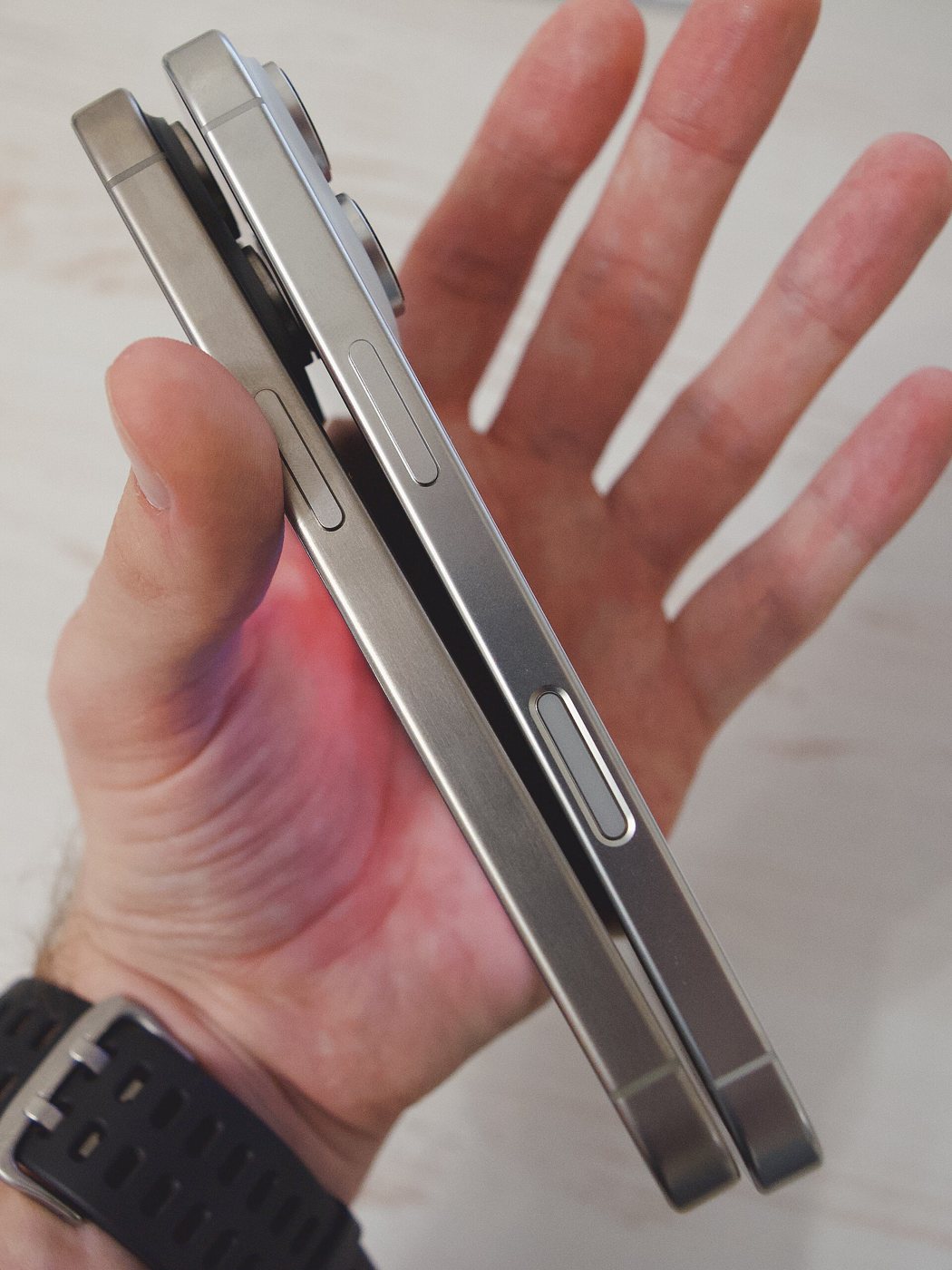
iPhone Duo Gets Apple Pencil Support and Edge Light
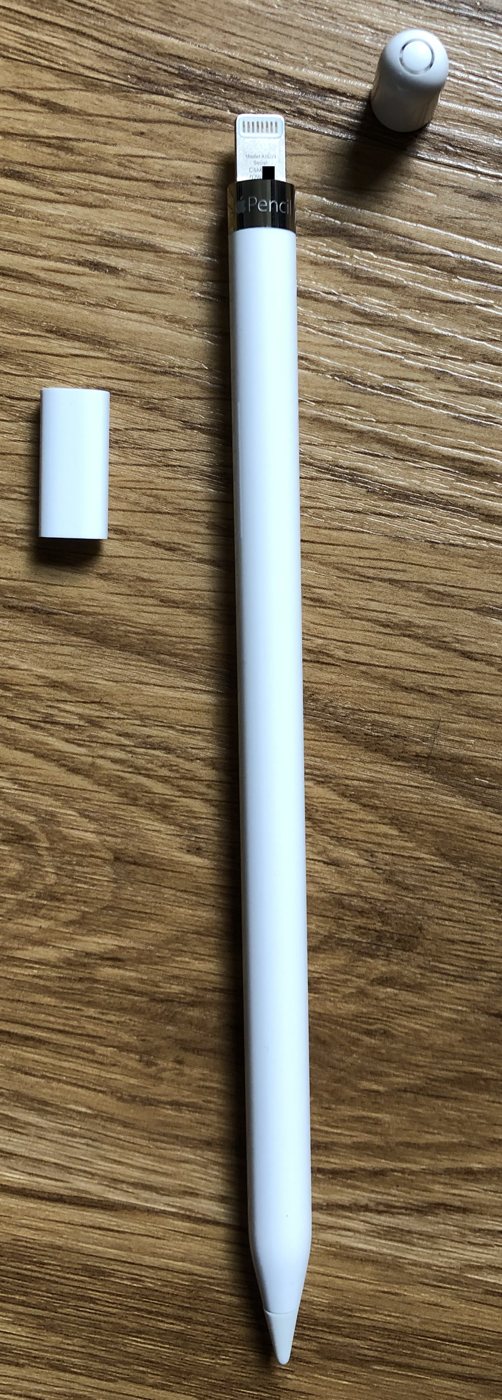
Apple’s foldable iPhone Duo gains two exclusive features in iOS 27.2. The first is Apple Pencil support, which Apple had promised for later this year. Only Apple Pencil (USB-C) works; Apple Pencil Pro is not supported, so Duo owners miss Pro-only features like squeeze and double-tap gestures.
The second is Edge Light, which turns the edge of the display into a ring light to brighten your face during video calls.
Apple Music Redesign and New App Icon
iOS 27.2 delivers Apple Music’s new brand identity. The familiar red app icon is replaced by a black-and-white design, blue replaces red as the accent color inside the app, and Music widgets now use black backgrounds. The changes are part of a broader Apple Music rebrand the company unveiled last week.
Apple TV App: Profiles and Multiview on iPhone
The Apple TV app on iPhone gets Simple Profiles, so each person in a household can keep separate viewing history and recommendations, a feature Apple TV hardware has offered for years. iOS 27.2 also brings Multiview to iPhone for the first time, letting you watch up to four live sports streams at once, including MLS, F1 and MLB.
FaceTime Dual Capture Comes to Group Calls
Dual Capture, the iOS 27 feature that streams your front and rear cameras at the same time, now works in Group FaceTime calls. It requires an iPhone 17 or later, and everyone on the call must be running iOS 27. FaceTime also now supports adding a third-party sign language interpreter or live captioner to a call.
Other New iOS 27.2 Features
- Podcasts: The Home tab splits into New Episodes and Continue Playing sections.
- Photos: Shared Albums can edit captions and comments, avoid duplicate photos and remind participants before an album expires.
- AI image labeling: SynthID watermarking helps identify images generated or modified with AI tools in Photos and Image Playground.
- Home app: New Lock After Closing and Door Left Open options for compatible smart locks.
- HomePod: A Lock Controls setting blocks accidental taps from starting audio.
- Games: The Friends tab explains friend suggestions and shows recently played games.
- Phone: Call Context now includes anniversaries.
What About the Redesigned Health App?
Apple’s AI-powered Health app overhaul appeared in early iOS 27.2 betas but was removed before the final release. Apple still plans to ship it later this year.
iOS 27.2 Security Fixes
Beyond new features, the iOS 27.2 security update patches more than 160 vulnerabilities across components including Mail, Safari, Apple Intelligence and the Neural Engine. With that many fixes, it is a worthwhile update even for iPhone owners whose devices cannot run Siri AI.
Should You Update to iOS 27.2?
For most iPhone users, yes. iOS 27.2 is the most substantial update since iOS 27 launched, delivering a more capable and more personal Siri AI, broader language support, useful upgrades across Messages, Apple TV, FaceTime and Apple Music, and a large batch of security patches. Apple released iPadOS 27.2, macOS, watchOS and tvOS updates alongside it.