
How Much Internet Speed Do You Actually Need? Probably Less Than You’re Paying For
September 28, 2026
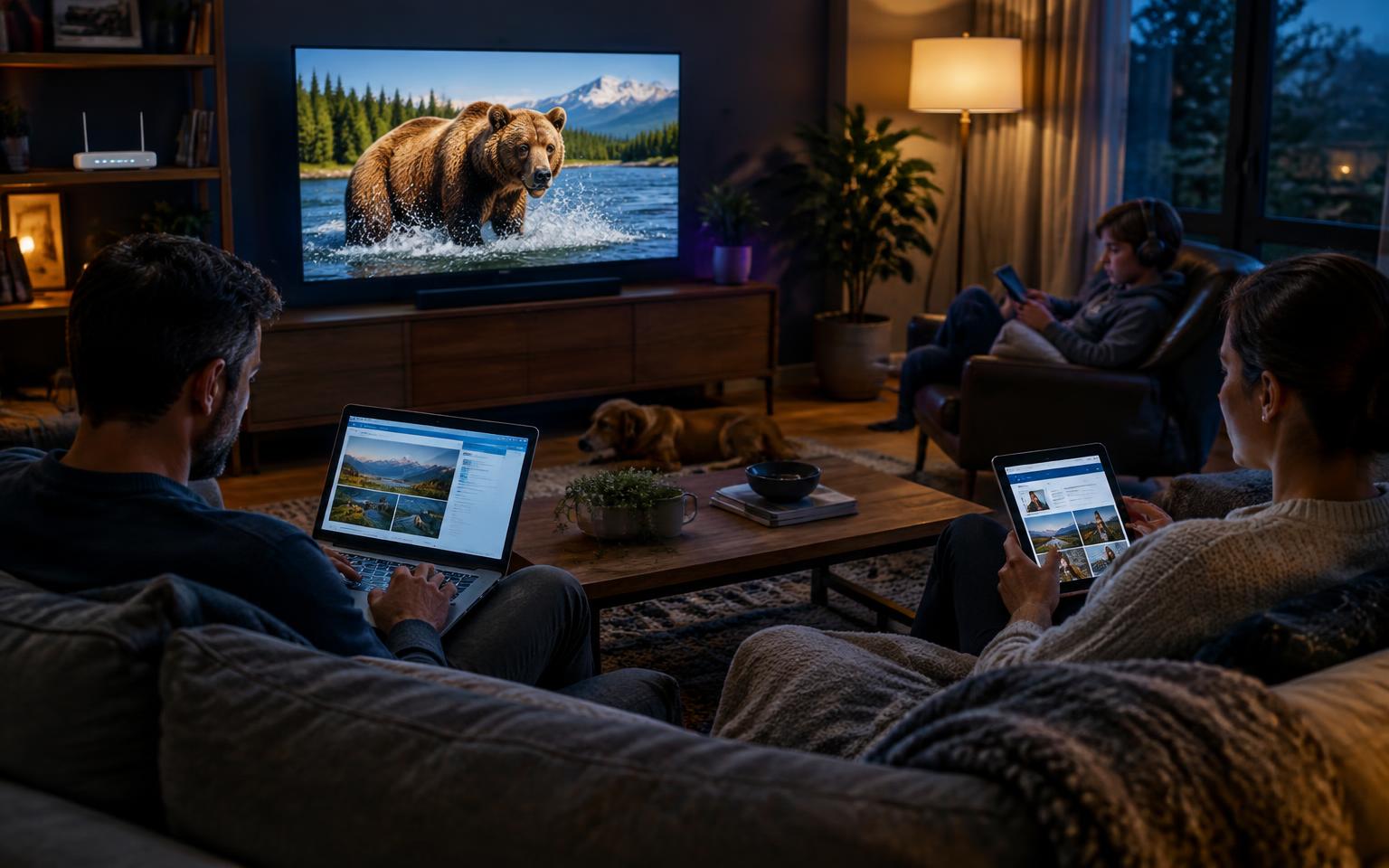
As internet providers push gigabit and multi-gigabit plans with increasingly aggressive marketing, many households are asking a simple question: how much speed do they really need? The answer depends less on the fastest plan available and more on how many people are online at once and what they’re doing.
Understanding the Numbers
Internet speed is measured in megabits per second (Mbps). Download speed governs how quickly you receive data, such as streaming a movie or loading a web page. Upload speed governs how quickly you send data, such as during video calls, livestreams, or backups to cloud storage.
The Federal Communications Commission currently defines broadband as at least 100 Mbps download and 20 Mbps upload, a benchmark it raised in 2024 from the previous 25/3 standard. That figure serves as a useful reference point for what a typical modern household needs.
What Common Activities Require
Most everyday tasks use far less bandwidth than people assume:
- Email and web browsing: 1 to 5 Mbps
- HD video streaming: about 5 Mbps per stream
- 4K video streaming: about 15 to 25 Mbps per stream
- Video calls: roughly 2 to 4 Mbps in each direction for HD
- Online gaming: 3 to 6 Mbps, though low latency matters more than raw speed
- Large game or software downloads: the more speed, the shorter the wait
A single person streaming a 4K movie uses only a fraction of a 100 Mbps connection. The real demand comes from stacking activities on top of one another.

Matching Speed to Your Household
- 1 to 2 people, light use: 50 to 100 Mbps handles browsing, HD streaming, and occasional video calls comfortably.
- 3 to 4 people, moderate use: 200 to 300 Mbps supports several simultaneous streams, remote work, and gaming.
- 5 or more people, or heavy users: 500 Mbps to 1 Gbps makes sense for households with multiple 4K streams, frequent large downloads, content creators, or dozens of connected smart-home devices.
Plans above 1 Gbps are rarely necessary for home use. Many devices and home Wi-Fi setups can’t take full advantage of those speeds anyway.

Don’t Overlook Upload Speed
Remote workers and content creators should pay close attention to upload speeds, which are often far lower than download speeds on cable plans. A family with two people on video calls while another uploads video can strain a connection offering just 10 or 20 Mbps up. Fiber plans typically offer matching upload and download speeds, a significant advantage for these users.
Other Factors That Affect Performance
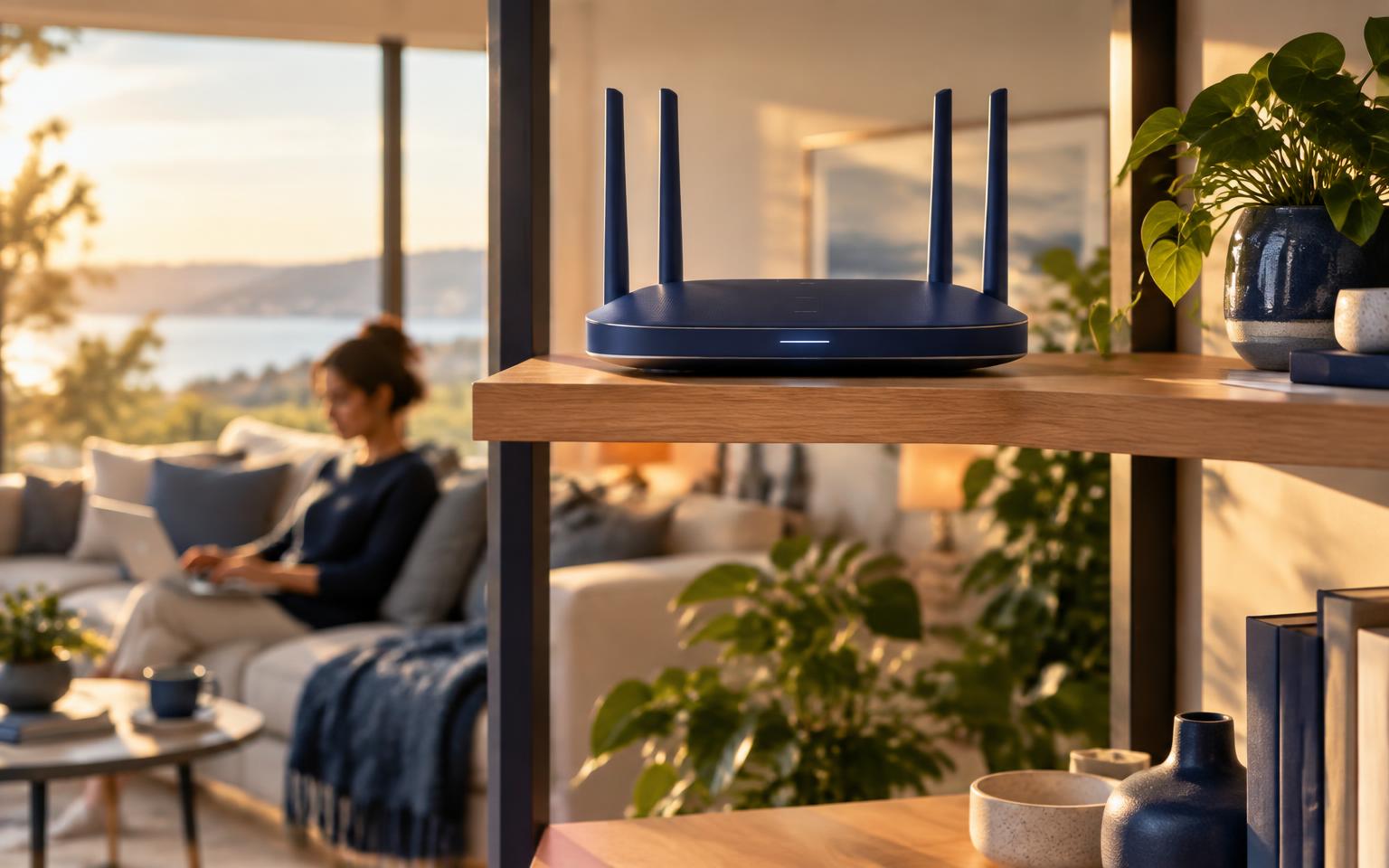
Speed isn’t the only measure of a good connection. Latency, the delay before data starts moving, affects gaming and video calls more than bandwidth does. Wi-Fi quality matters too: an outdated router or poor placement can cut real-world speeds dramatically, no matter what plan you pay for.
The Takeaway
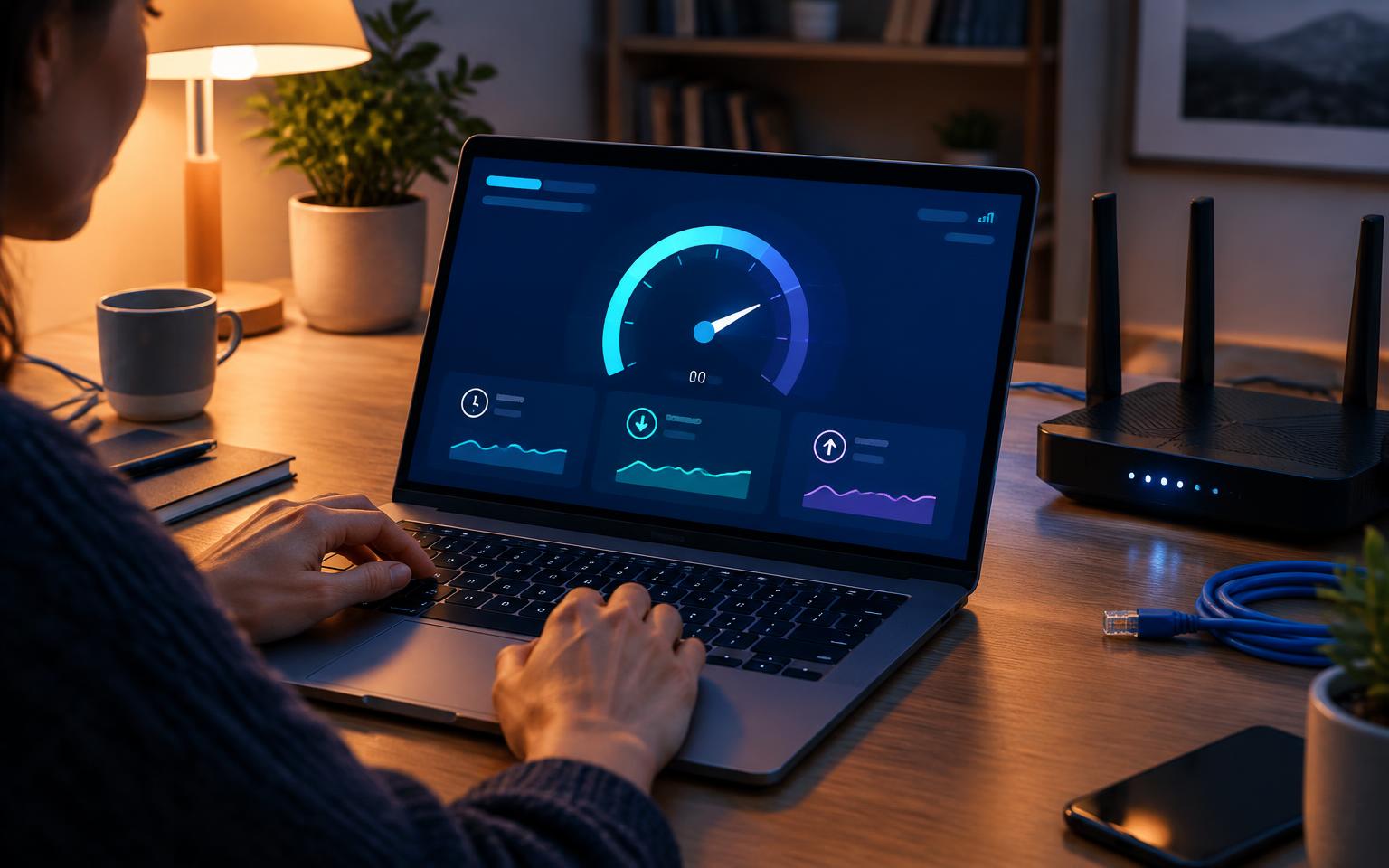
Before upgrading, run a speed test during your household’s busiest hours and note whether anyone experiences buffering or lag. If everything runs smoothly, a faster plan likely won’t make a noticeable difference. For many families, a well-placed modern router will do more to improve their experience than a pricier plan.