
Firefox Gets a New Look: Inside Mozilla's Nova Redesign
September 30, 2026
Mozilla has given Firefox its biggest makeover in half a decade. Firefox 157 switches on a redesign called Nova by default for everyone on desktop and mobile.
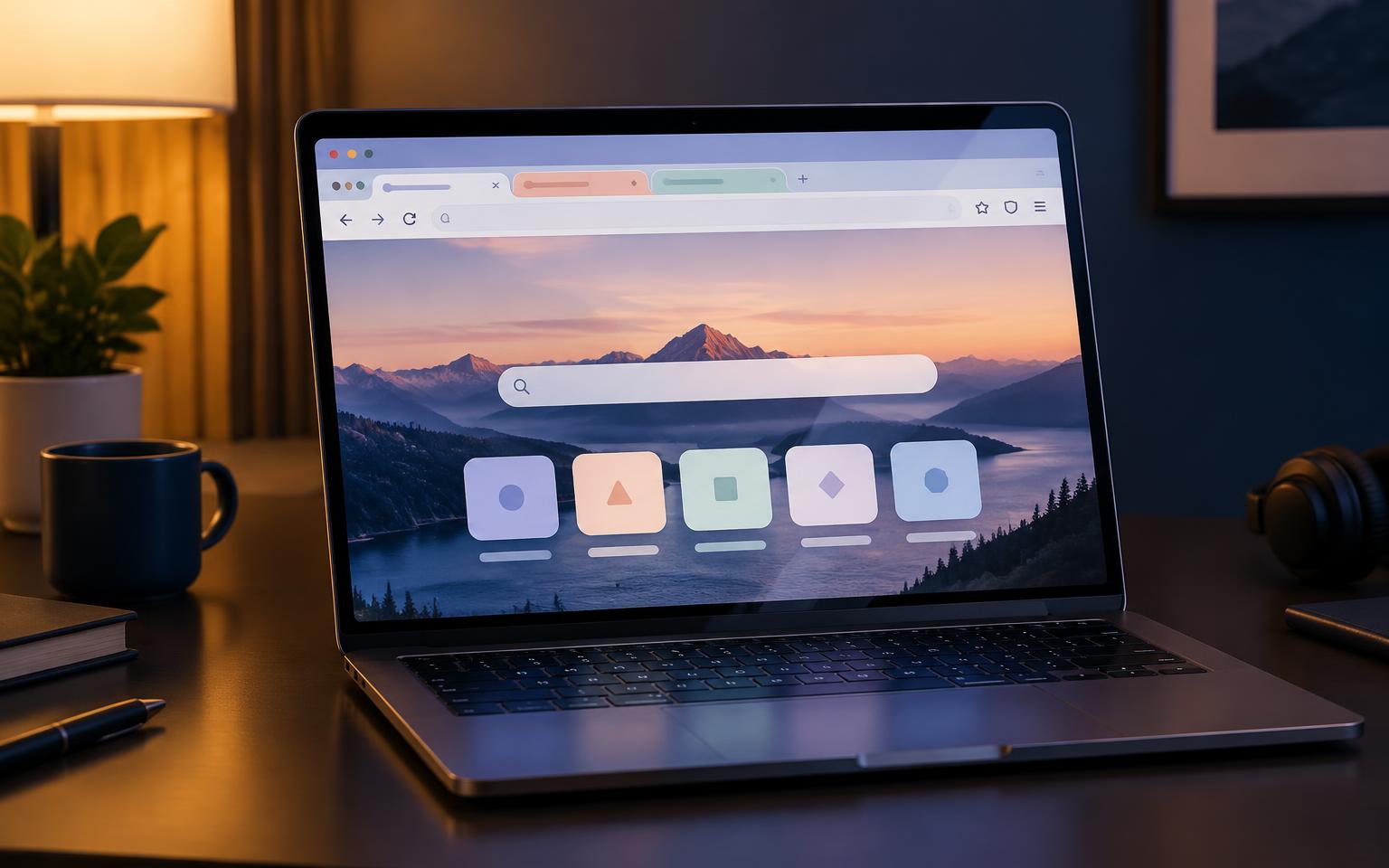
Nova replaces Proton, the design Firefox has worn since 2021. Mozilla worked on the project for roughly a year and publicly confirmed it on May 21, framing the change as a renewal of Firefox rather than a replacement. Released September 29, Firefox 157 is available for Windows, Mac, Linux, Android and iOS.
The release also patches 38 high-risk security vulnerabilities, including several sandbox escapes, so updating is worthwhile regardless of how users feel about the new design. The road to launch was not smooth: leaked mockups and early test builds drew sharp criticism before Mozilla softened several of its boldest ideas.
What's New in Firefox 157
The most visible change is shape. Tabs, the address bar, menus, popovers and sidebars now have rounded, pill-like edges, with pastel tinting across the interface. The active tab gets a subtle gradient, purple plays a larger role, and redrawn icons sit inside toolbars with fewer dividing lines.
Compact mode has returned through a window-density selector alongside Standard, Touch and Automatic options. Tab groups fit more naturally into the tab bar, while the redesigned tab list shows tabs across every group.
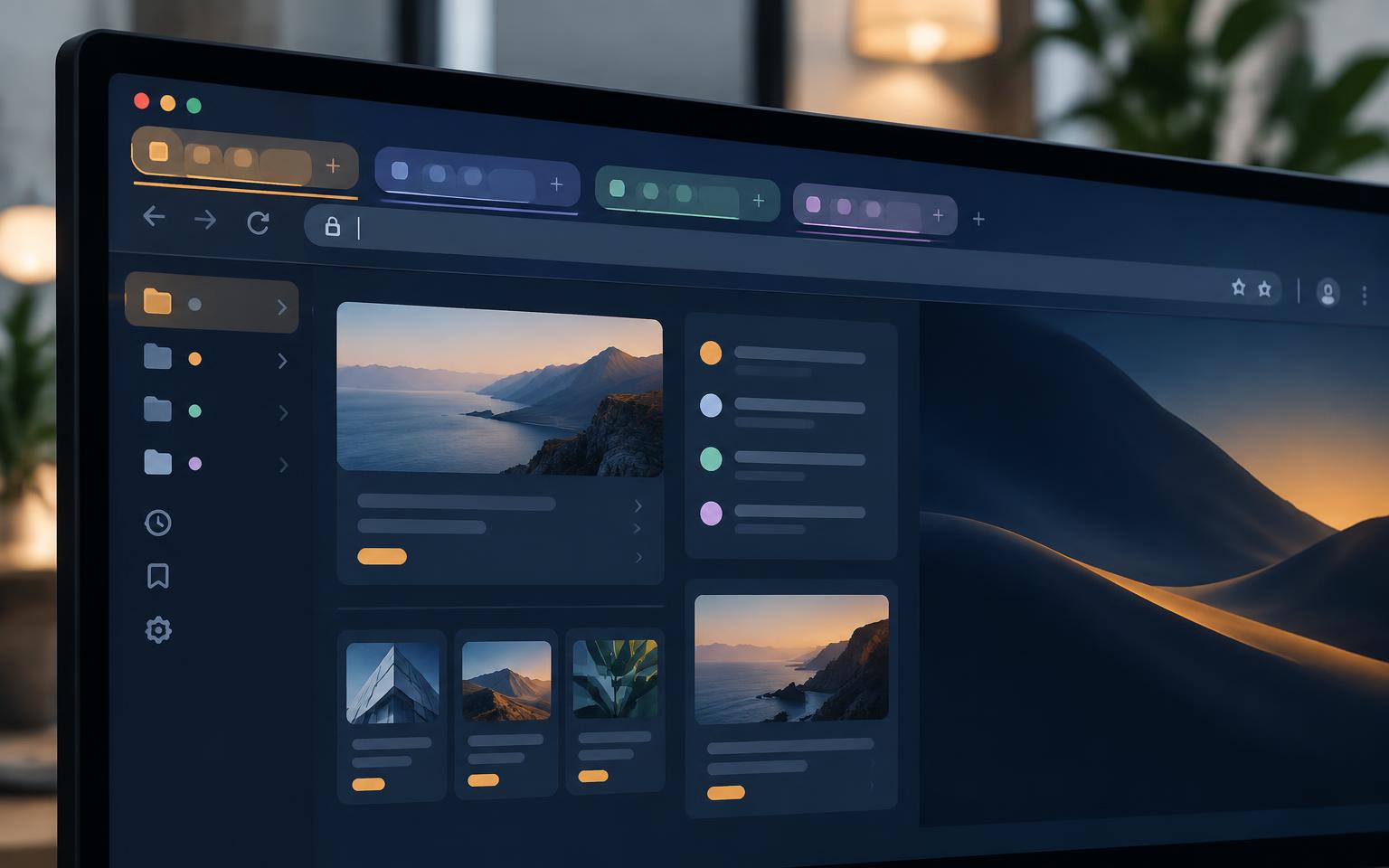
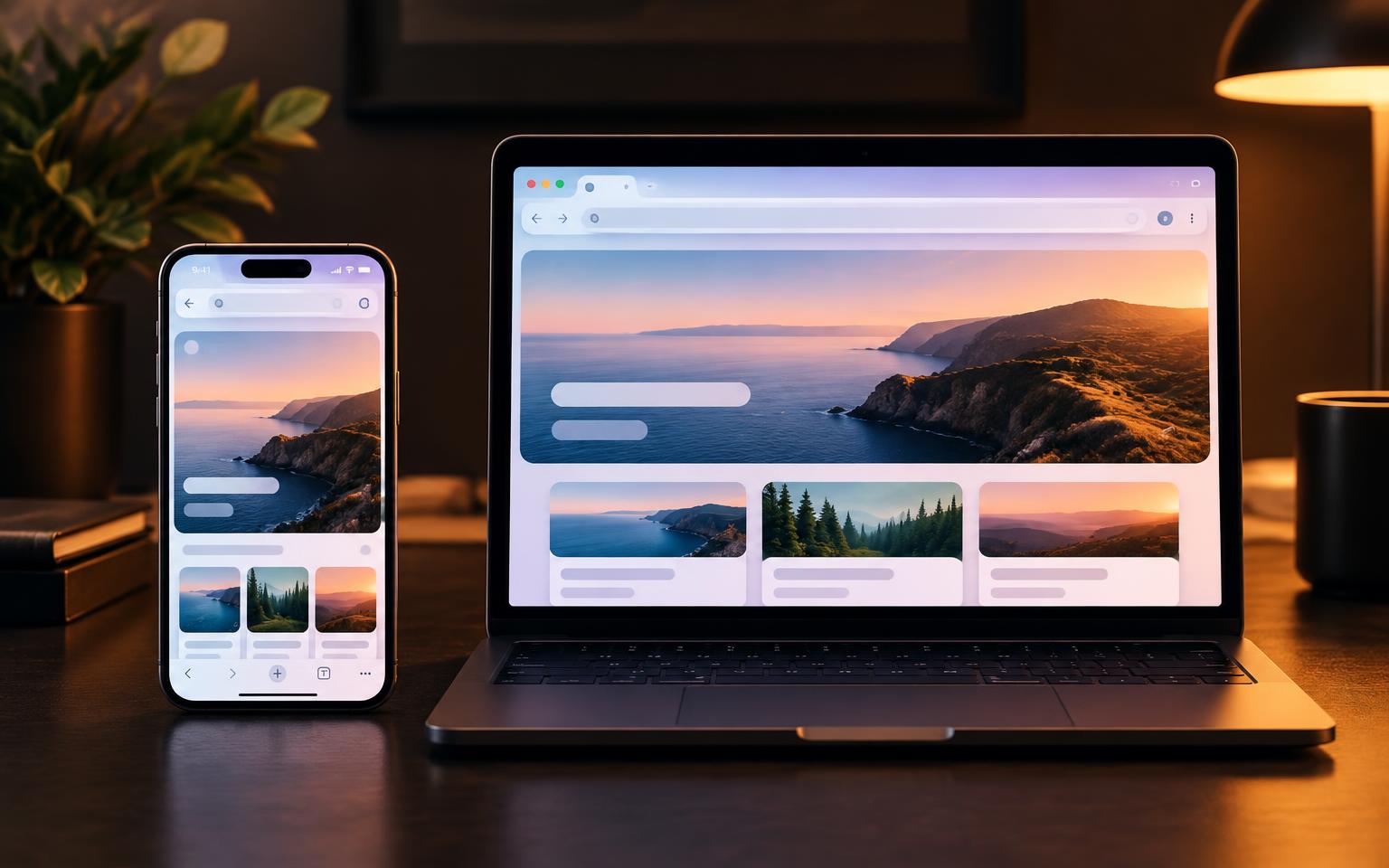
One Design Across Devices
The redesign reaches beyond the main window. Settings now presents options as rounded cards, and the add-ons manager and theme picker have been rebuilt to match. The same colors and icon language carry onto phones without turning the mobile app into a copy of the desktop version.
Mozilla says familiar extensions, shortcuts and menus remain where users expect them. It also says the new visuals do not reduce performance. Firefox 157 adds improved HDR video and hardware AV1 decoding for WebRTC calls, while removing Amazon as a built-in search engine.
New Themes and Personalization
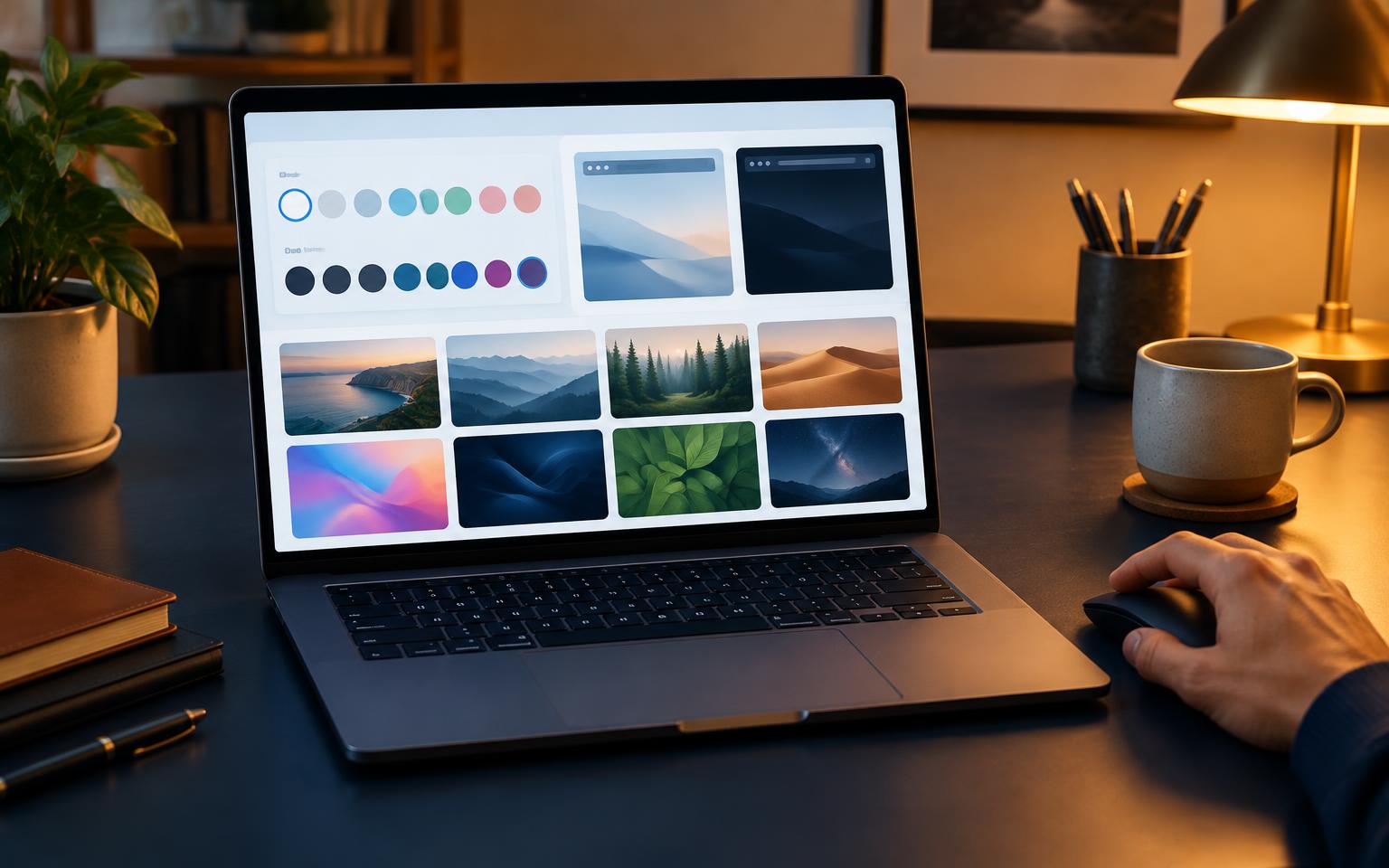
A new theme picker offers built-in themes in light and dark versions, wallpapers can fill the New Tab background, and more designs remain available through the add-ons manager. Shortcuts on the New Tab page can be rearranged, and favorite sites can be pinned in place.
Mozilla has also shown controls for reducing the interface's rounded corners. Not every change has landed well: some early testers found that the familiar dark theme gained a bluish tint and no longer looked purely dark.
Privacy, AI and the Reaction
Private browsing and Firefox's built-in VPN are now easier to find. A single switch can disable all generative AI features, while a Classic and Smart Window switcher gives people who want assisted browsing a quick route to it.
Reaction has been split. Some testers like the polish and slimmer toolbar; others think the rounded design resembles Opera, Edge or Chrome too closely. Mozilla did respond to criticism: the floating “island” toolbar and lifted web-content container from leaked mockups did not ship, gaps became smaller, and Compact mode returned.

Getting Nova — or Going Back
Existing users receive Firefox 157 through the normal automatic update, while new users can download it from Firefox.com. Linux users can also install it through their distribution, Flathub or Snap.
People who dislike Nova have an escape hatch for now: open about:config, search for browser.nova.enabled, and set it to false to restore the previous design. Reports suggest that option may not remain forever.
Nova arrives as Firefox continues to compete with Chrome, Safari and Edge. Mozilla is betting that a modern look, its privacy focus and an easy way to reject AI features can give people a reason to try Firefox again. The rounded corners may matter less than whether the browser still feels fast, familiar and trustworthy.